Install guide
Store Locator uses BigCommerce's single-click installation and does not require theme code during installation.
Before you begin
You need permission to install apps on the BigCommerce store.
Install Store Locator
-
Select Get this app, choose the destination store, and select Install.
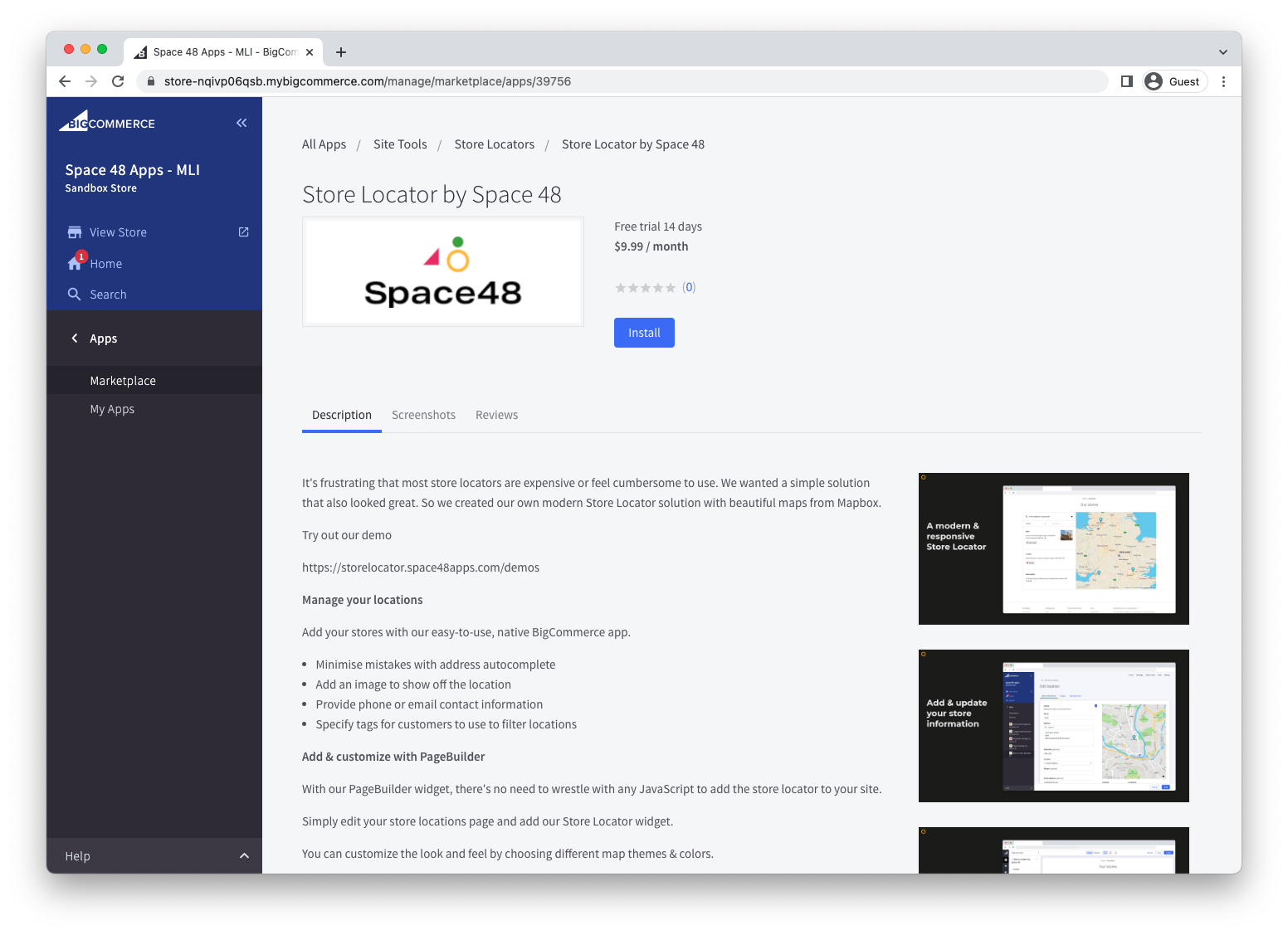
-
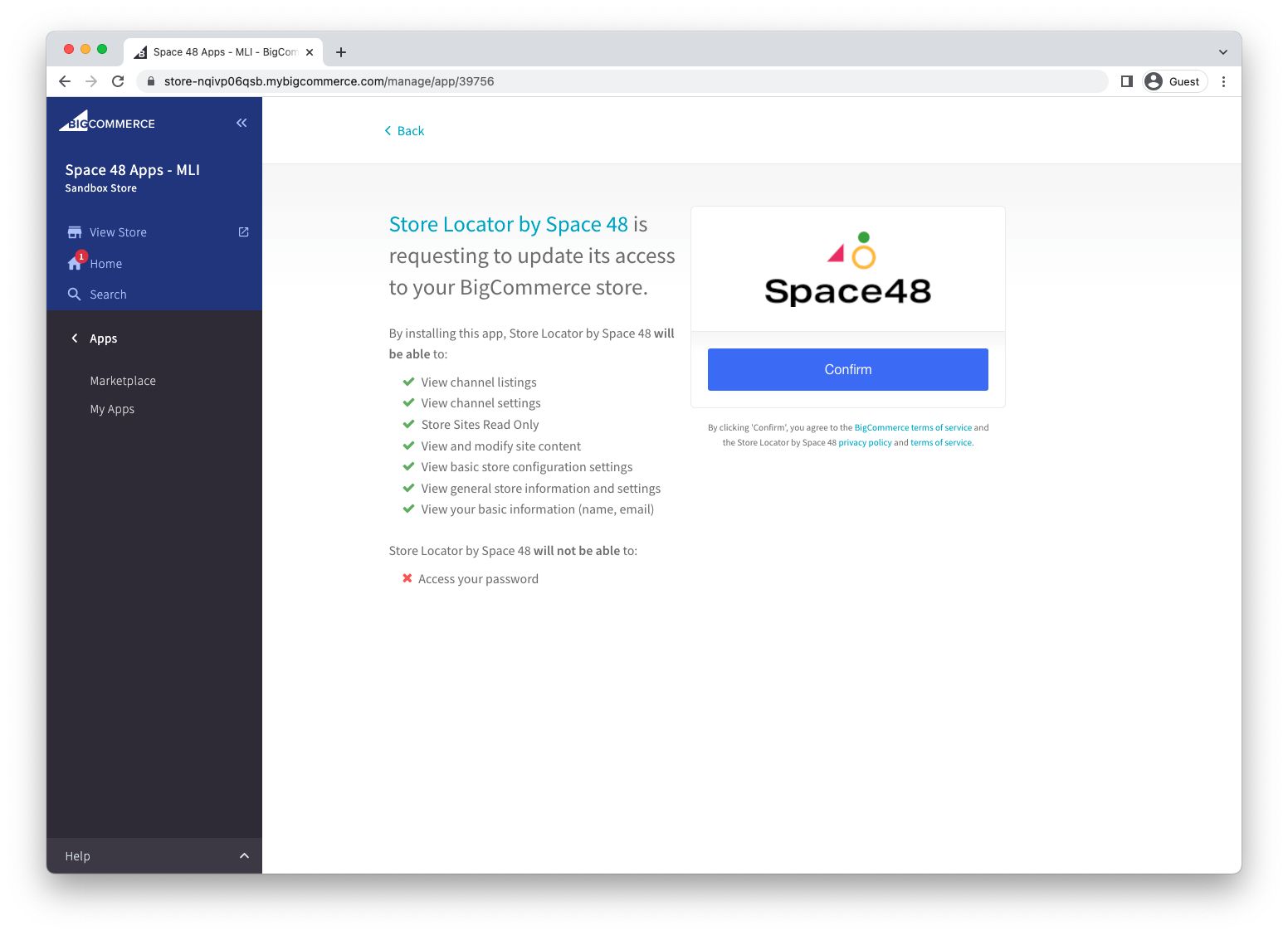
Review the requested permissions. Store Locator requests the store data it needs to manage and publish locations.
-
Select Confirm.
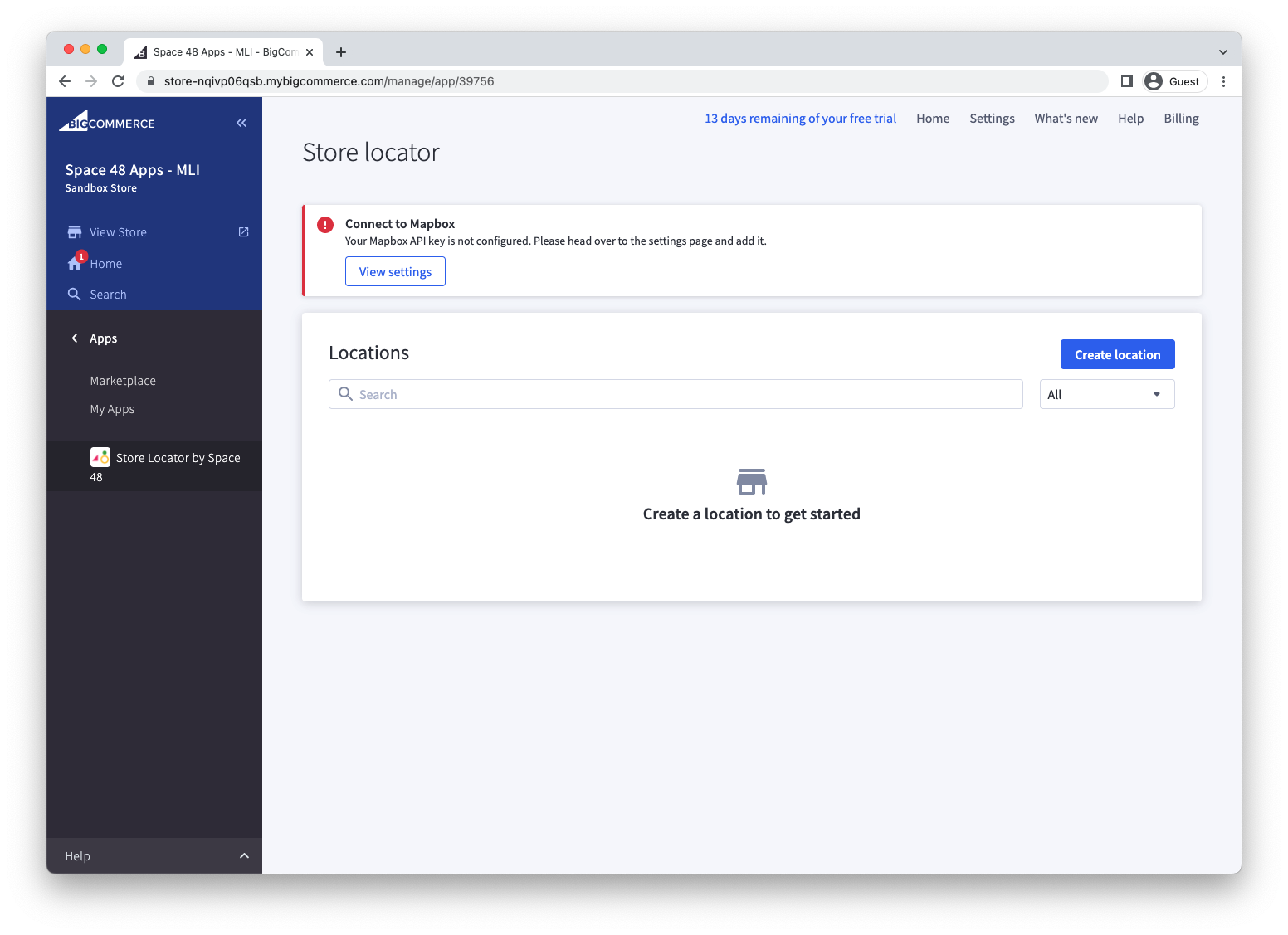
After confirmation, BigCommerce opens Store Locator.
Next steps
Continue with the quick start to connect Mapbox, create a location, and add Store Locator to a storefront page.
If installation does not complete, confirm that your BigCommerce user can install apps, then contact Hypa support with the store URL and the step that failed.